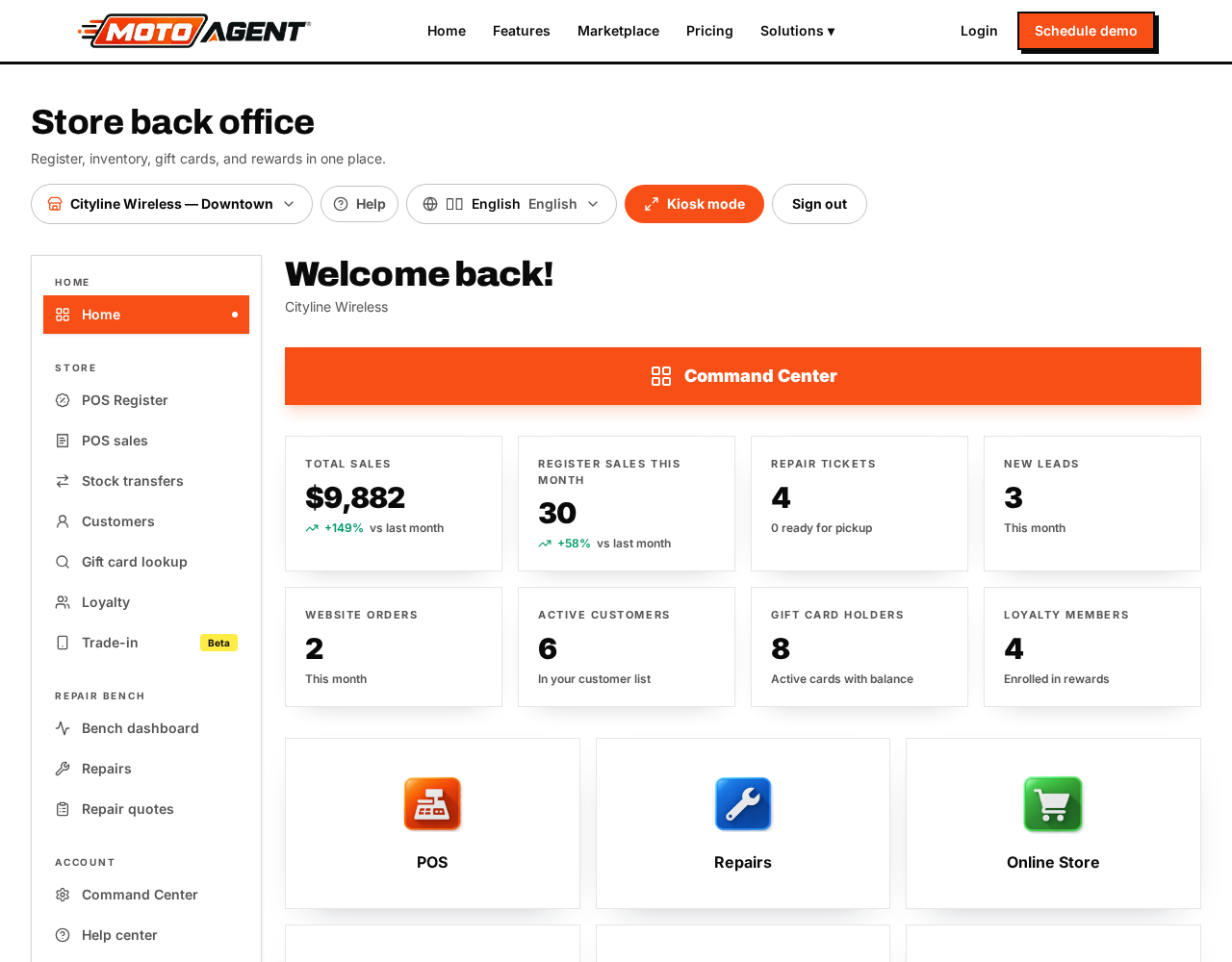
Moto Agent runs the whole store: the counter, repairs, stock, customers, your website, and the wholesale marketplace.
The two menus
- The left menu holds what you use every day: Home, the register, the repair bench, and your account.
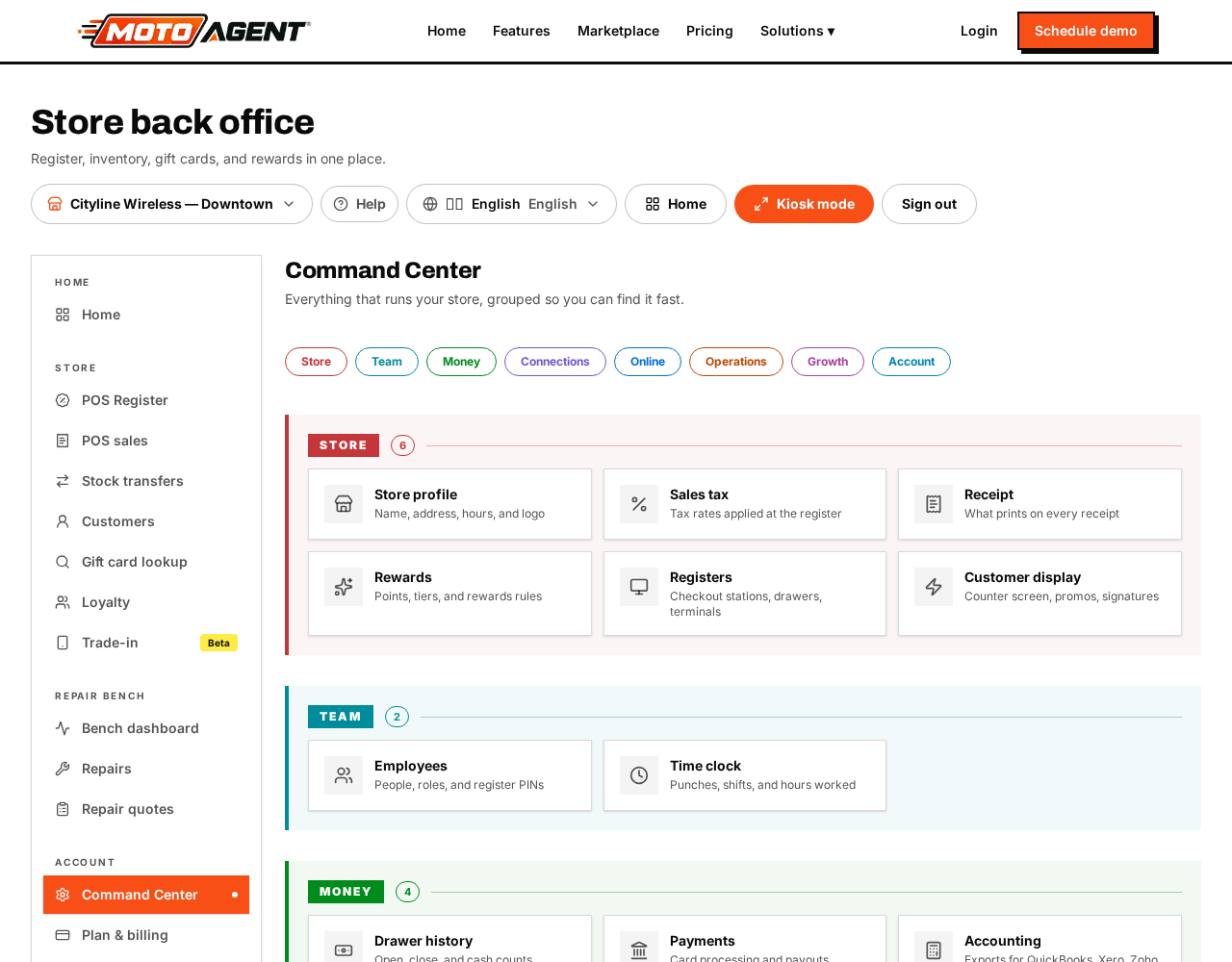
- Command Center is the big button on your home screen. Everything else lives there, grouped into Store, Team, Money, Connections, Online, Operations, Growth and Account.
Your first hour
- Open Command Center → Store → Store profile and fill in your name, address, hours and logo.
- Add your Sales tax rate.
- Add your people under Team → Employees, and give each one a four digit register PIN.
- Open Store → Registers and check your checkout station.
- Add a few products under Operations → Inventory.
- Open the register from the left menu and ring up a test sale.
Every screen has a Help button in the top bar. It shows the guides written for the screen you are on.