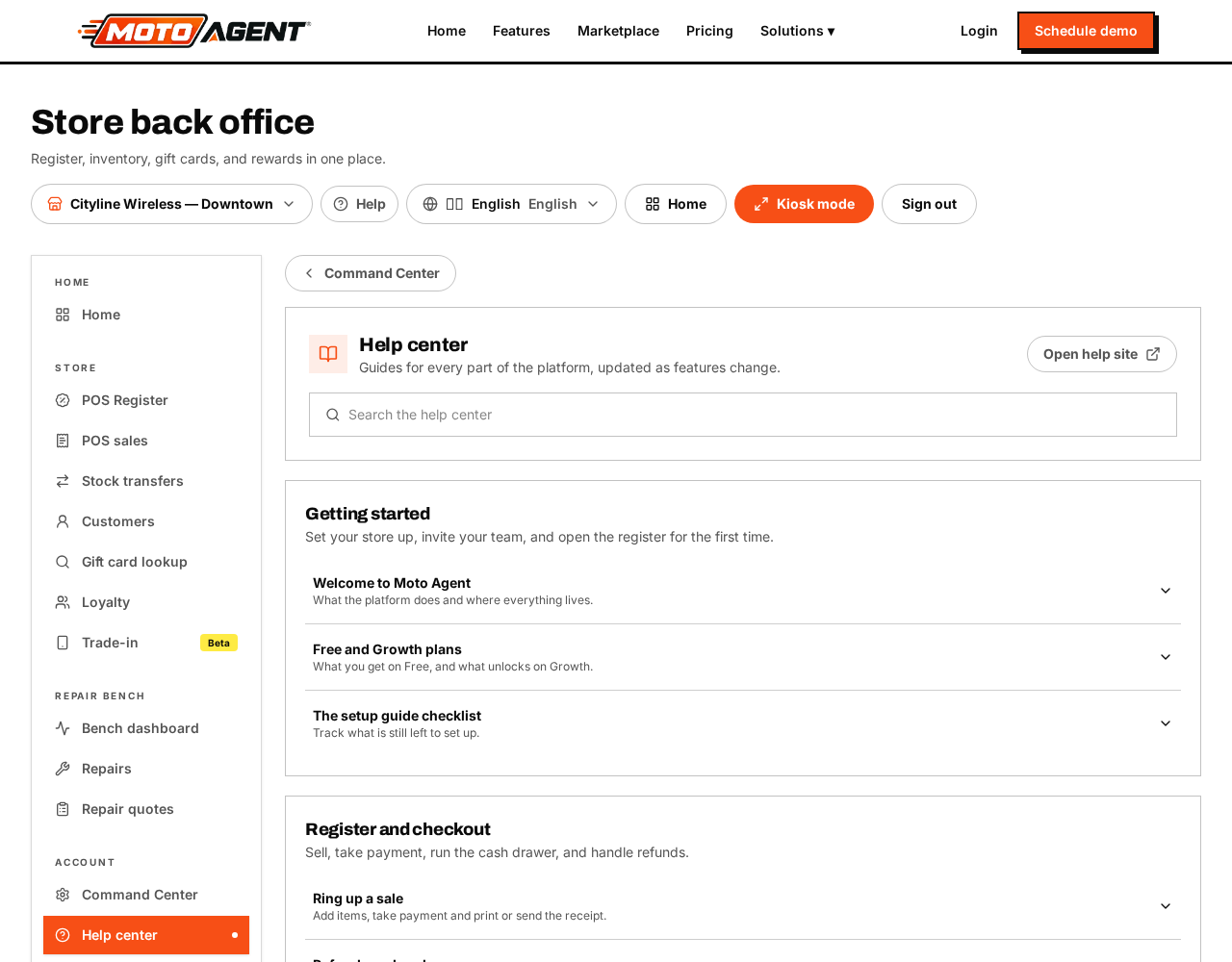
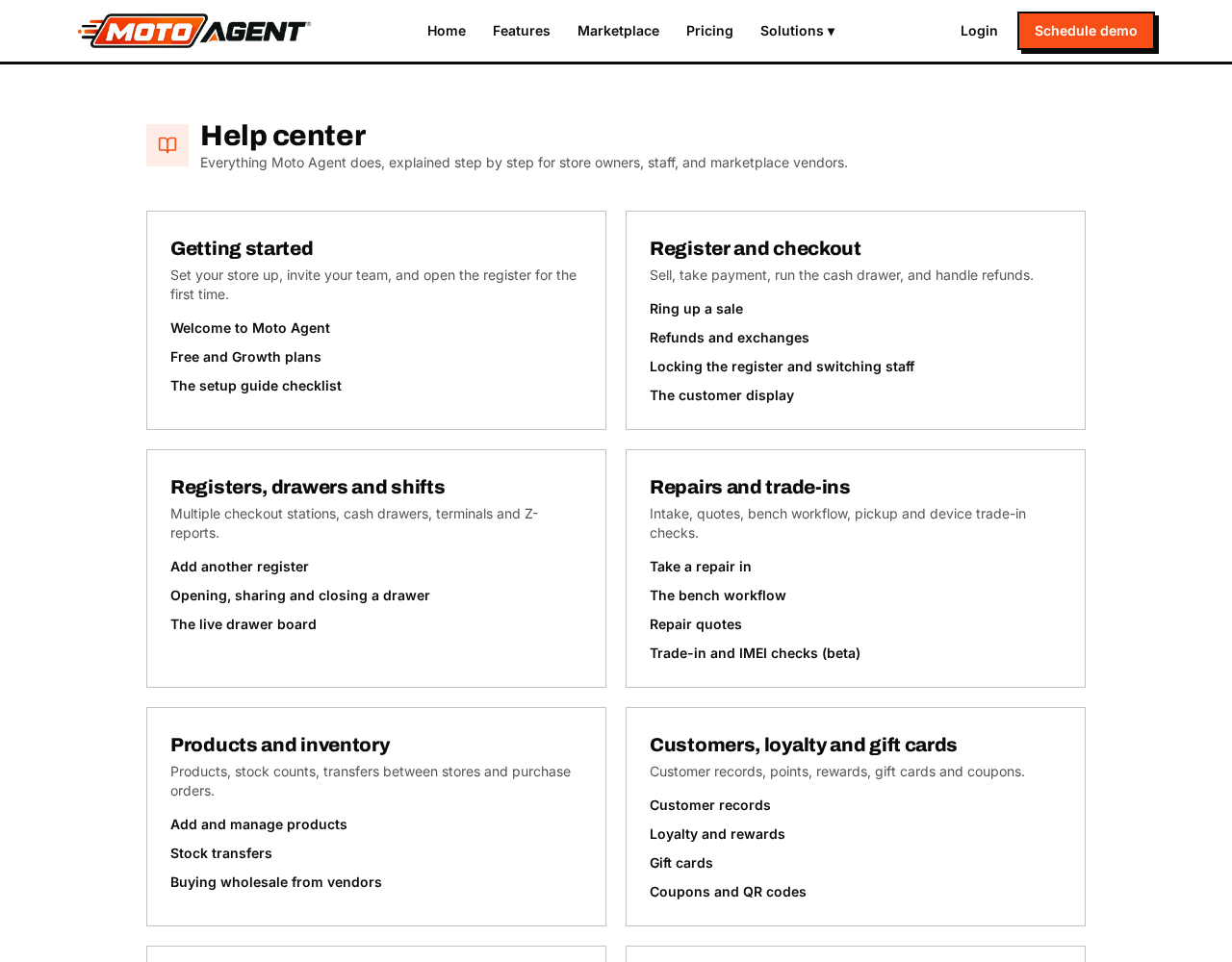
Use the Help button in the top bar for guides about the screen you are on, or open the full knowledge base from any of these places:
- Knowledge base in the left sidebar under Help — opens the complete help center without leaving your dashboard.
- Help center link in the footer of every page on the public website.
- Super admins also get a Knowledge base button in the Super Admin toolbar, which opens the editor where guides are written and published.
If something looks broken, note what you tapped, what you expected, and what happened instead, then contact support from your account. Include the receipt, ticket or order number if it relates to one.