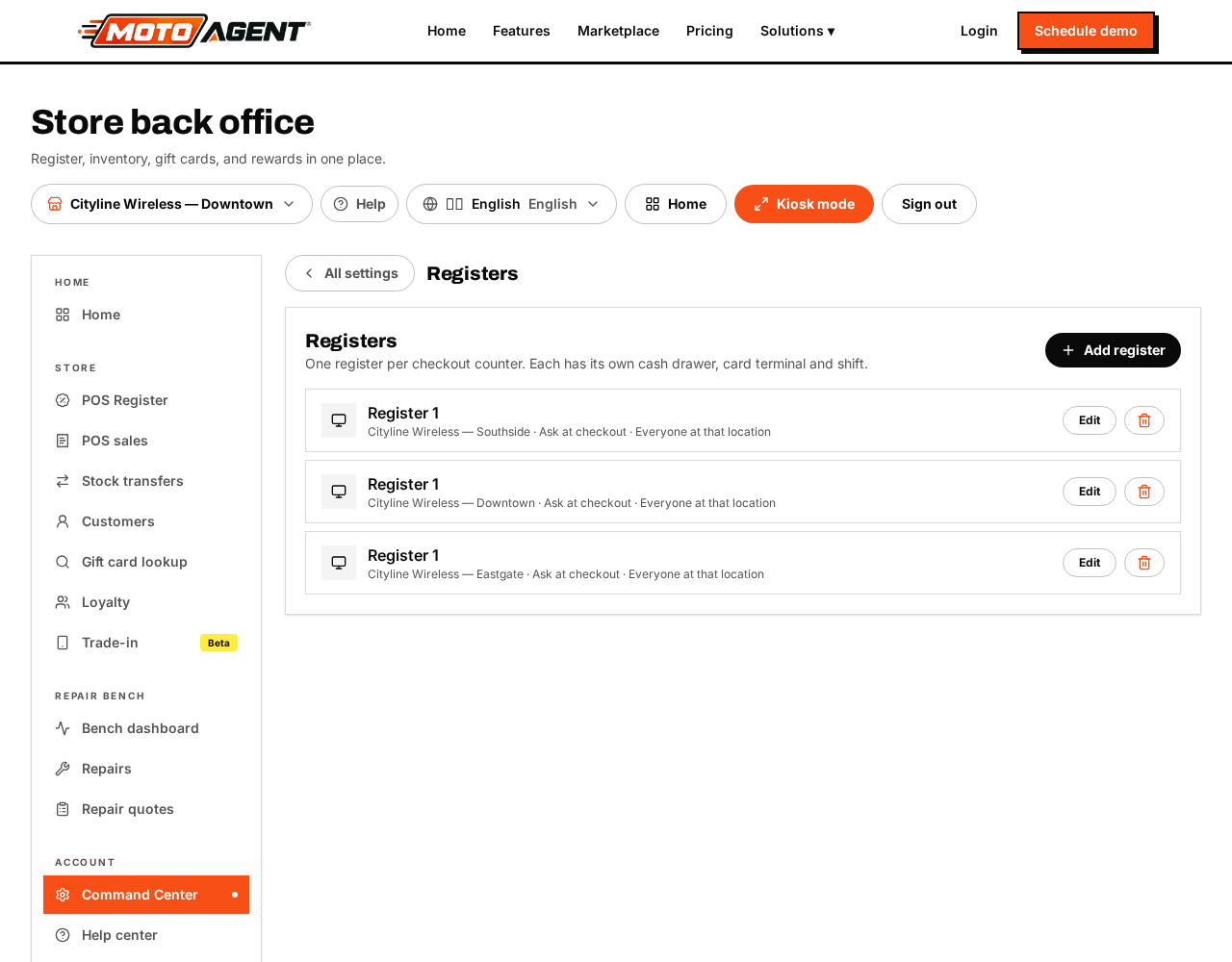
Each physical counter can have its own register, with its own drawer, card terminal and shift.
- Open Command Center → Store → Registers.
- Tap Add register.
- Name it the way your staff talk about it, for example "Register 2" or "Repair Counter".
- Pick the location it sits in.
- Pick the card terminal to pin to it, if it has one of its own.
- Choose which employees are allowed on it, or leave it open to everyone at that location.
- Save.
Free accounts get one register per location. Extra registers are part of Moto Growth.